
- Arrow Keys / WASD: match Huggy's note patterns while the large character presence pressures the screen.
- Enter: confirm menu choices.
- Esc / Back: pause or return where supported.
- Fullscreen: strongly recommended if Huggy's art makes lanes feel cramped.
FNF QT Mod – Termination on Extreme difficulty!
Hot

Wii Funkin' – VS Matt V3
Hot
FnF: Sarvente vs Taki Sing Crucify
New
Friday Night Funkin'
Top rated
Friday Night Funkin VS Garcello
Top rated
Friday Night Funkin VS. KAPI v2
Top rated
FNF vs Baldi's Basics in Funkin
New

FNF Yararara
Top rated
FNF vs Sky HD
New
FNF vs Impostor Among Us V4
Top rated
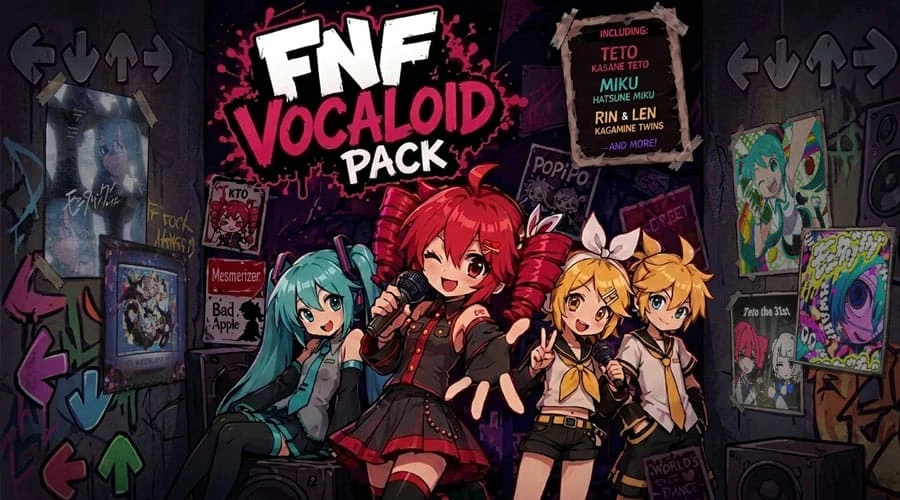
FNF Vocaloid Pack
Top rated
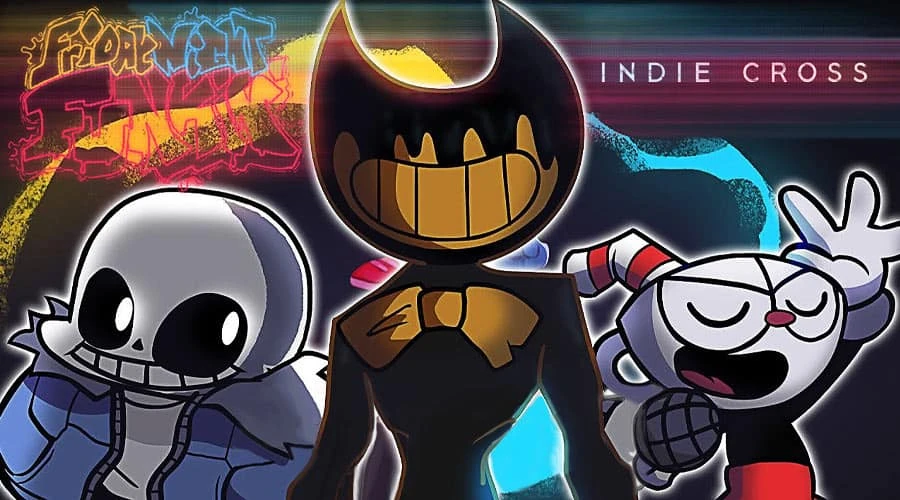
FNF vs Indie Cross
Top rated
FNF Vs. Huggy Wuggy Redux
Rating:
4.7 (1,732 votes)
Released:
June 2026
Technology:
HTML5
Platforms:
Browser (desktop, mobile, tablet)
FNF vs Huggy Wuggy Redux is not just another listing for the same Poppy Playtime crossover. The Redux label tells players to expect a refreshed version of the Huggy Wuggy FNF idea: the same recognizable horror mascot, but with a presentation or rhythm feel that should be judged as its own page. That distinction matters because many FNF crossover mods have multiple versions.
The appeal is still clear. Huggy Wuggy gives the battle instant tension through size, shape, and toy-factory horror energy. Redux keeps that hook while giving returning players a reason to compare how this version feels against other Huggy pages. If you like mascot horror in FNF, this page is a useful variation rather than a duplicate.
What Redux Adds
A good Redux version should make a familiar mod feel sharper, cleaner, or different enough to replay. The player is not only asking whether Huggy appears. The better question is how the refreshed version changes the rhythm experience. Does the chart feel easier to read? Does the visual pressure land differently? Does the song pacing make the battle more playable? Those are the reasons to try this page.
How to Handle Huggy's Screen Pressure
Huggy pages can make players look at the character instead of the lane. That is especially dangerous when the art is large or close to the gameplay area. Keep your eyes near the receptors and let the horror mood stay in the background. If a phrase surprises you, replay once with the specific goal of learning the spacing. The second run is usually much calmer.
Controls
- Arrow Keys / WASD: match Huggy's note patterns while the large character presence pressures the screen.
- Enter: confirm menu choices.
- Esc / Back: pause or return where supported.
- Fullscreen: strongly recommended if Huggy's art makes lanes feel cramped.
Tips for Redux
- Compare this version with the regular Huggy page if you want to feel the difference.
- Use fullscreen to reduce visual crowding.
- Recover from misses by waiting for the next clean vocal phrase.
- Choose this when you want mascot horror pressure without leaving the FNF format.
Best Fit
Huggy Wuggy Redux is best for players who already like Poppy Playtime crossovers or want to sample different versions of a familiar FNF rival. It is also useful for the site's recommendation flow because it can sit near other horror mascot pages without pretending they are all the same. The page has value as a comparison point and as a playable rhythm battle.
FAQ
Is Redux different from the normal Huggy Wuggy mod?
Yes. It should be treated as a refreshed variation, even if the core rival is the same.
Should I play the regular version first?
It helps, but it is not required. Redux is still understandable as a standalone Huggy Wuggy FNF page.
Discuss FNF Vs. Huggy Wuggy Redux
0Make a comment
Loading comments...